Pixel and Paper release
Release of Pixel and Paper, open source Markdown + CSS to PDF app + examples of what you can do with it.
The tools we use change the way we feel, how we think, and ultimately how using those tools affects the environment around us.
Here I am paraphrasing a sentence read in Julie Blanc’s thesis on using open source web to print technologies, and how those technologies affect the designers using them.
I am not a schooled designer (I should be a physicist by trade, actually, but my research career lasted six months; it was not really for me). I learned layout design and, like most things I have learned, I did so by trying a lot, failing a lot, reading, and exchanging ideas with folks more experienced than me.
At the same time I started dabbling in layout design using Adobe software, I learned the rudiments of web design. While using CSS (Cascading Style Sheets, the language used to layout web pages, to put it simply) always felt like a soothing activity, I never enjoyed using desktop publishing software. Too much freedom, at least for me, as I lack theoretical design knowledge (yes, I studied grids, gutters, gaps, and so on, but still). I did layout, I even got commissioned works, and always cursed the apps I used for that.
A year and a half ago, I took a short class in letterpress printing. That felt just right. Placing letters and words along a grid materialized by chunks of aluminum and lead. Just like CSS in a way. This is when I started actively looking for a layout replacement solution for print based on CSS.
I am not sure how, by the odds of the internet (not the social networks, but the internet, the one where you have to read blogposts, click on links, and after a while, if you are perseverant and lucky enough, you stumble on what you were looking for), I came across PagedJS: “A JavaScript library to transform HTML documents into beautiful print ready PDFs.”
In other words, PagedJS takes web pages and turns them into printed and paginated PDFs.
For the nerds: W3C produced a draft of what is called CSS Paged Media Module Level 3, the spec for a set of properties that control the way HTML documents are presented on paginated media (aka printed media). But:
- The paginated layout happens only when you print the web page. You cannot see paginated media in your browser.
- Actually, most browsers have implemented just a fraction of the specs. This is where PagedJS comes in; it’s a JavaScript polyfill that paginates content in the browser, following W3C specs.
So to recap, using PagedJS you can turn any HTML document and CSS into paginated media.
That is fantastic. PagedJS is an amazing piece of software.
To use it as an alternative to desktop publishing apps, I needed two major additions:
- The ability to do live edits, modify either the CSS or the document (HTML or Markdown, more on that later), and see the effects immediately without having to reload the web page.
- Instead of writing HTML, I wanted to write Markdown (and have something automatically turn the Markdown file into HTML, and then PagedJS turn that into paginated content).
That is exactly what Pixel and Paper does!
It comes in two flavors: a web app (fancy name for a website) where you can both edit content (Markdown and CSS) and preview the PDF, and a desktop app (the one I actually use) where you will use the text editor of your choice (Emacs, Obsidian, VS Code, you name it) and the app runs a little server that spits out and updates a paginated web page.
Besides the fact that using CSS is great, there are a number of other advantages to choosing this path. Here is a non exhaustive list:
- You own the tools you use to produce media.
- You can tweak, hack, and modify those tools (it is open source!).
- Content (Markdown) is separated from layout (CSS), which means you can work on them independently. Start laying out a temporary text, make some edits, and voilà: the PDF is updated, and you don’t have to copy and paste the new text.
- This opens a lot of possibilities in terms of building decentralized and collaborative workflows.
Lastly, using these tools gets you into a community of passionate people who share resources, ideas, and enthusiasm with you. On that front, here’s a big thank you to Julien Taq, lead maintainer of PagedJS, for the support and kindness.
Below are a few WIP examples of The Lost Bay RPG zines and books I am currently laying out with Pixel and Paper (and yes, I am late with TLB updates and fulfillment, I will get back to you on this soon; I am a bit overwhelmed, but bear with me, things are moving forward).
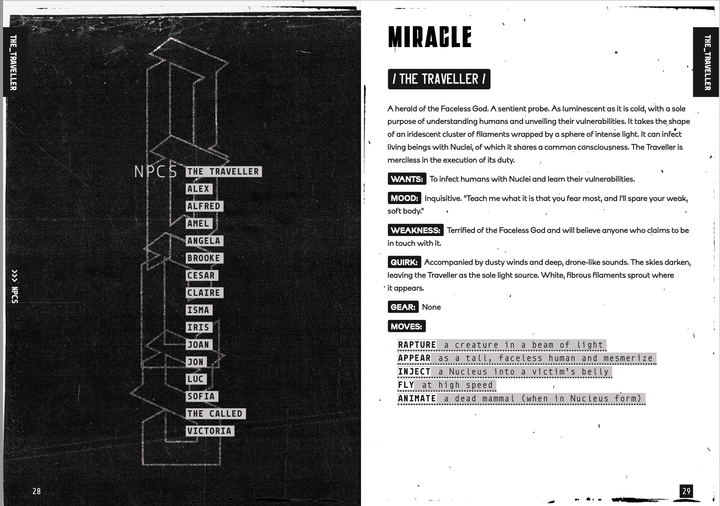
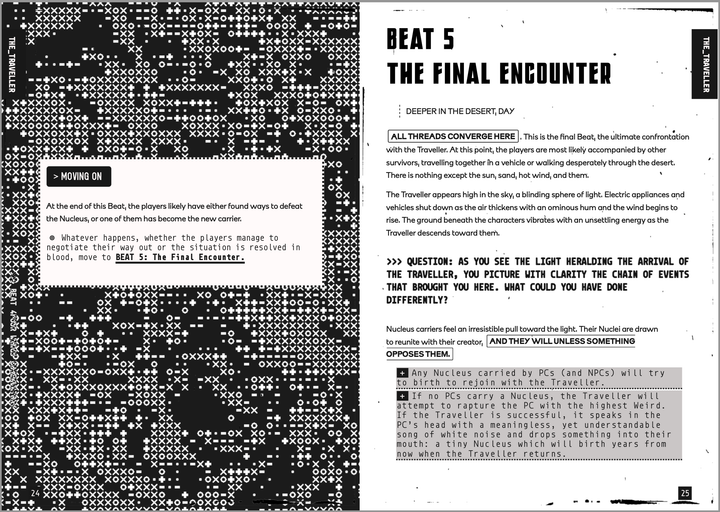
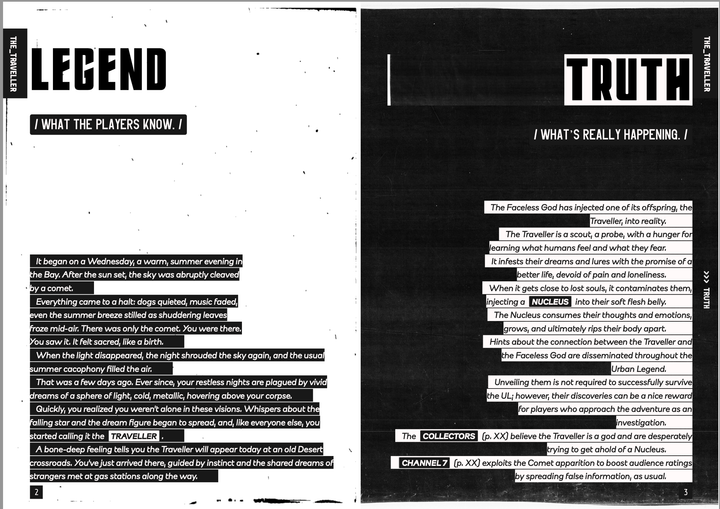
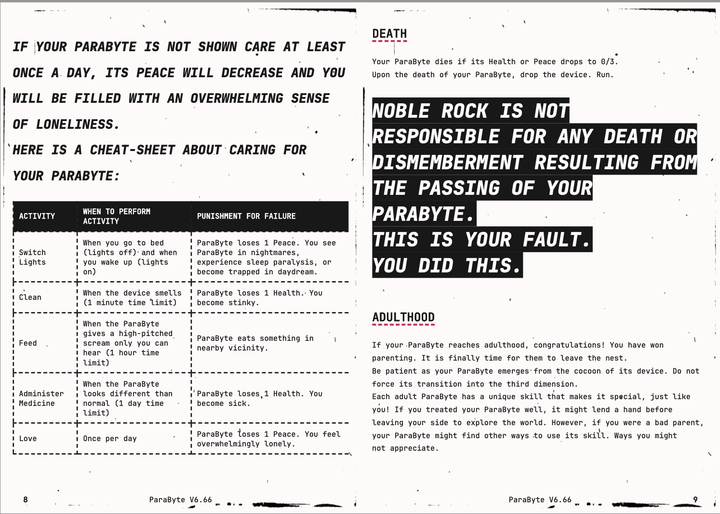
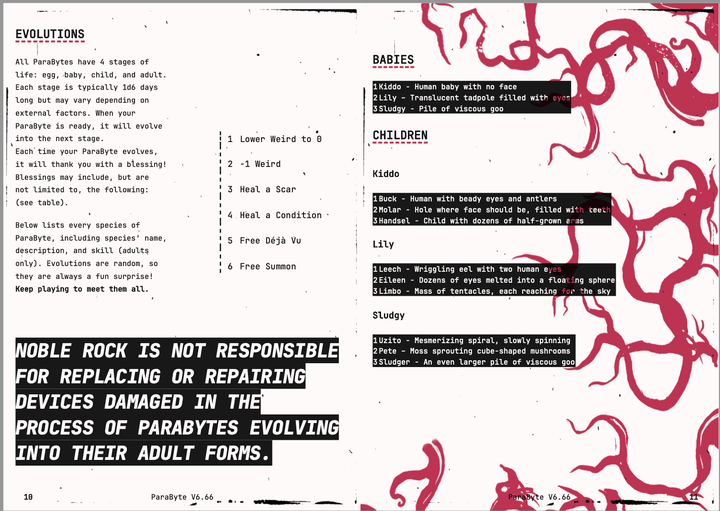
Besides being fun and laying out zines and books, you could do other things with P&P (or a hacked version of it, or PagedJS).
Build machines and workflows, layout automations of sorts.
For example, you could build a webpage, that kids, or anyone, could edit in the browser, and get instantly a print-ready one page zine.
Or provide a CSS stylesheet for third party publishers of a specific game.
Or build a full collaborative publishing workflow with multiple authors.
Or use your source of truth (the Markdown) to produce content for multiple media (paper, web, ebooks).
One thing needs to be clarified: P&P does not remove the design steps or the figure of the designer, whether that’s you or someone else. It’s just a different design tool with a different design philosophy. And yes, it’s open source; it’s about building communities and owning means of production, so it’s more than juust a layout tool.
Needless to say, it comes with its own limitations, and as I am actively using it to lay out, I am also learning how it could be improved.
If you want to try Pixel and Paper, head to:
- The web app and click on NEW
- The desktop app repository and use it with the text editor of your choice.
If you need help using it, want to nerd about it, or are interested in finding someone to build a publishing workflow for yourself or your company, send me an email.
Happy layouting.
Iko